CSCE 242 Section 001
Emma Hubert
In this course we will be learning to use HTML and CSS to create and design webpages. We will also be learning how to use JavaScript to increase funtionality and utilize node and server side to store and retrieve data from a server.
Assignments
Assignment 1 - Basic HTML

A website about a topic of my choosing. Get to know me with two images, two paragraphs, two links, a bulleted list, and a table.
Assignment 2 - Basic CSS
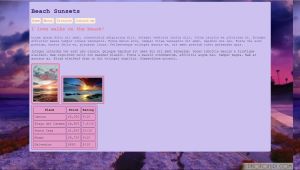
A website about a topic of my choosing (Beach Sunsets) with navigation, a theme, and matching styling using CSS. See styled pictures, text, and a table.
Assignment 3 - Page Layout
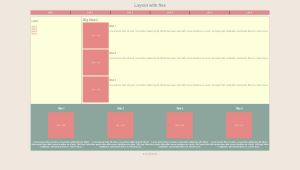
A website utilizing html elements: header, footer, nav, section, aside, & article. Includes a navigation bar and CSS styling using flexbox and media query.
Assignment 4 - Updated Home Page
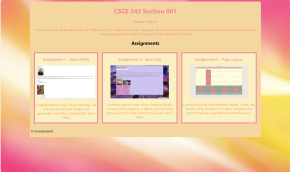
Updated my home page (this webpage) to link each assignment with screenshots and links with a description of each assignment.
Assignment 5 - Recreate CSS page

A recreation of this page using CSS and HTML.
Assignment 6 - Main Page Projects Section
Updated my home page (this webpage) to include links to project assignments.
Assignment 7 - Intoduction Into Javascript
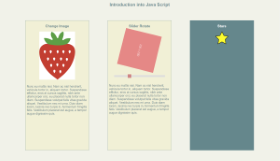
First javascript assignment where I change one image to another by clicking, rotate an image with a slider bar, and add stars to a column by clicking.
Assignment 8: Conditionals
Created a webpage using html and css styling. Implemented a javascript toggle menu and two exercises. One of which switched a picture on key presses and the other switches pictures via a slider.
Assignment 9: Loops
Created a webpage using html and css styling. Implemented Javascript toggle menu and one exercise that bounces a ball up and down with the click of a button and the other provides a decription when clicking on a picture.
Assignment 10 - Arrays
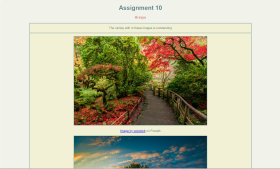
Javascript assignment using arrays to create a banner that switches an advertisement every 2 seconds and an associative array of images and attributes.
Assignment 11- Classes
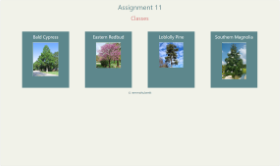
Javascript assignment using a Tree class to display an array of trees. Each tree/image is displayed on home page and when clicked on a modal appears with additioanl information.
Assignment 12- Parsing JSON
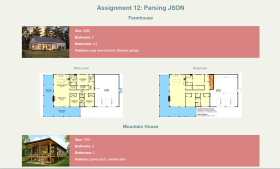
JavaScript assignment parsing a provided JSON file and displaying the content using javascript.
Assignment 13 - Server Side Hello World
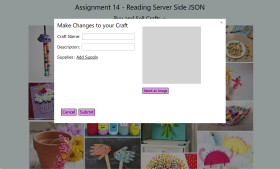
Assignment 14- Reading Server Side JSON
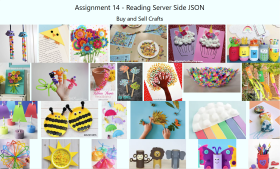
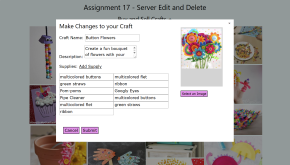
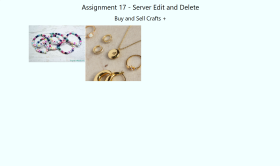
Assignment 15- Reading Server Side JSON
Projects
Project 1 - Topic(pdf)
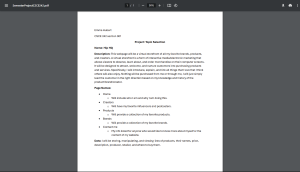
Project 1 - Wireframes
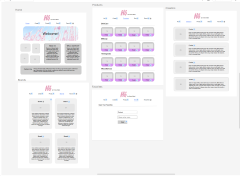
Wireframed the pages of my website (Hip-HQ). No styling added yet, just basic grey/white color scheme. The basic layout of what my webpage will look like.
Project 1 - HTML & CSS
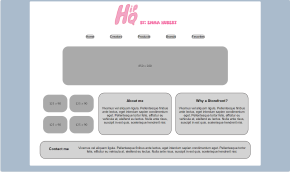
Wrote the html and css for the pages of my website (Hip-HQ). No advanced styling added yet, just basic grey/white color scheme.
Project 1 - Colors, Pictures, & text
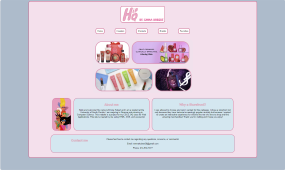
Updated my webpage (HipHQ) to include pictures, text, and colors. Also implemented a toggled hamburger menu with javascript.
Part 4.5 Improve Your Website:
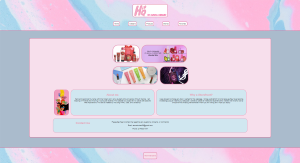
Made the changes listed in this pdf.
Part 5: JSON File Parsing
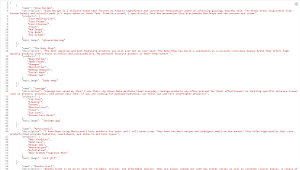
Added this JSON file in order to display the different brands on the Brand page of my website using Javascript.
Part 6: Client Side Form Validation/Javascript
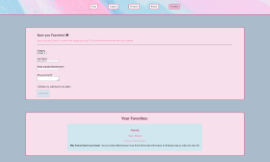
Added a Contact Me form (home page), a form to save your favorites (favorites page), and added youtube iframe videos on the creators page.
Part 7 - Back End Implementation